Powerful Features, Simple Interface
Professional-grade functionality designed with accessibility in mind. Every feature serves the mission of making technology barrier-free.All features included. No subscriptions, no hidden costs, completely free.
Capture & Recording Engines
Purpose-built engines and controls for every recording workflow.
MobilityCore
The versatile screen recording engine — full display, region, and window capture with system audio, mic, and optional facecam overlay.
SoloSnap 2.0 additions:
- • Focus Display — dedicated display capture without cursor tracking
- • Active Display — cursor-follow mode for presenters
- • Multi-Window — up to 10 windows in one recording
- • Multi-Region — up to 5 regions simultaneously
AppCore
Application-focused recording with the focused target list and Per-App Audio Routing via an automatically managed virtual device — no manual routing setup required.
SoloSnap 2.0 additions:
- • Window Mode — capture exactly one window, cleanly
- • Microphone-only recording — audio without video
CameraCore
Dedicated camera-only recording for direct-to-camera video, vlogs, and tutorials. Fixed at maximum quality.
SoloSnap 2.0 additions:
- • Pause & Resume into a single continuous file
- • Camera Power button for quick on/off
- • Smart PiP suppression avoids duplicate camera overlays
Recording Overlay
A floating control panel that appears while recording with a live timer and one-click stop. Not captured in recordings.
SoloSnap 2.0 additions:
- • Unified Quick Actions menu from Hotkey Settings
- • Hide Menu Bar during recordings
- • Pause & Resume for AppCore and MobilityCore
Quality Selector
Simple quality control for AppCore and MobilityCore. CameraCore is fixed at maximum quality.
- Ultra — Maximum quality for 4K content. Only appears when a 4K display is detected.
- High — Professional-grade quality with higher frame rates.
- Medium — Balanced quality and performance.
- Low — Optimized for long recordings or older hardware.
* For most workflows, Medium provides the optimal balance of quality and performance.
Enhanced Audio Processing
High-quality audio recording with professional processing for clear, consistent voice capture. AAC format at 48kHz sample rate with 256kbps stereo output.
- • Professional clipping protection (compression + hard limiting)
- • Automatic level management
- • Seamless video synchronization
- • Works with built-in mics, USB mics, and XLR via audio interfaces
Engine Presets
Built-In Tools
Everyday utilities baked right into SoloSnap — no extra apps required. In SoloSnap 2.0 they live together in the SoloSnap Tools hub, one searchable window for every utility.
SoloSnap Tools Hub
Magnifier
TTS Engine
Built-In Archiver
Screenshot Tools
Smart capture for any display arrangement.
Intelligent Display Mode Switching
Advanced Window Mode with Color Picker
Screenshot Self-Capture
Precision Selection
Multi-Display Support
SoloSnap Screenshot Formats
Personalization & Interface
Make SoloSnap look and feel like yours.
Seven Refined Themes
Choose from seven interface themes that restyle the SoloSnap app itself: Default, Classic, Folio, Terrace, Performance, Essential, and High Contrast. Paired with Color Vision adjustments. The in-app Web Capture and Recording Browser have their own separate set of illustrated browser themes that never touch the interface or recolor captured pages.
Color Vision: Off, Red–Green, Blue–Yellow.
Color Vision
Reimagined Settings
Icon Color Customization
Customizable Hotkeys
Unified hotkey system with visual recorder for easy global shortcuts and intelligent conflict detection.
- • All shortcuts managed in one place
- • Supports modifier keys (Command, Shift, Option, Control)
- • Settings remembered between app restarts
- • Reset individual hotkeys or restore all defaults anytime
Unified Menu Bar Interface
Performance, Privacy & Accessibility
The foundations that make everything else work.
Performance Optimized
Enterprise Security
Privacy Focused
Accessibility First
Choose Your Recording Engine
Purpose-built engines for every workflow. Pick the one that fits your needs.
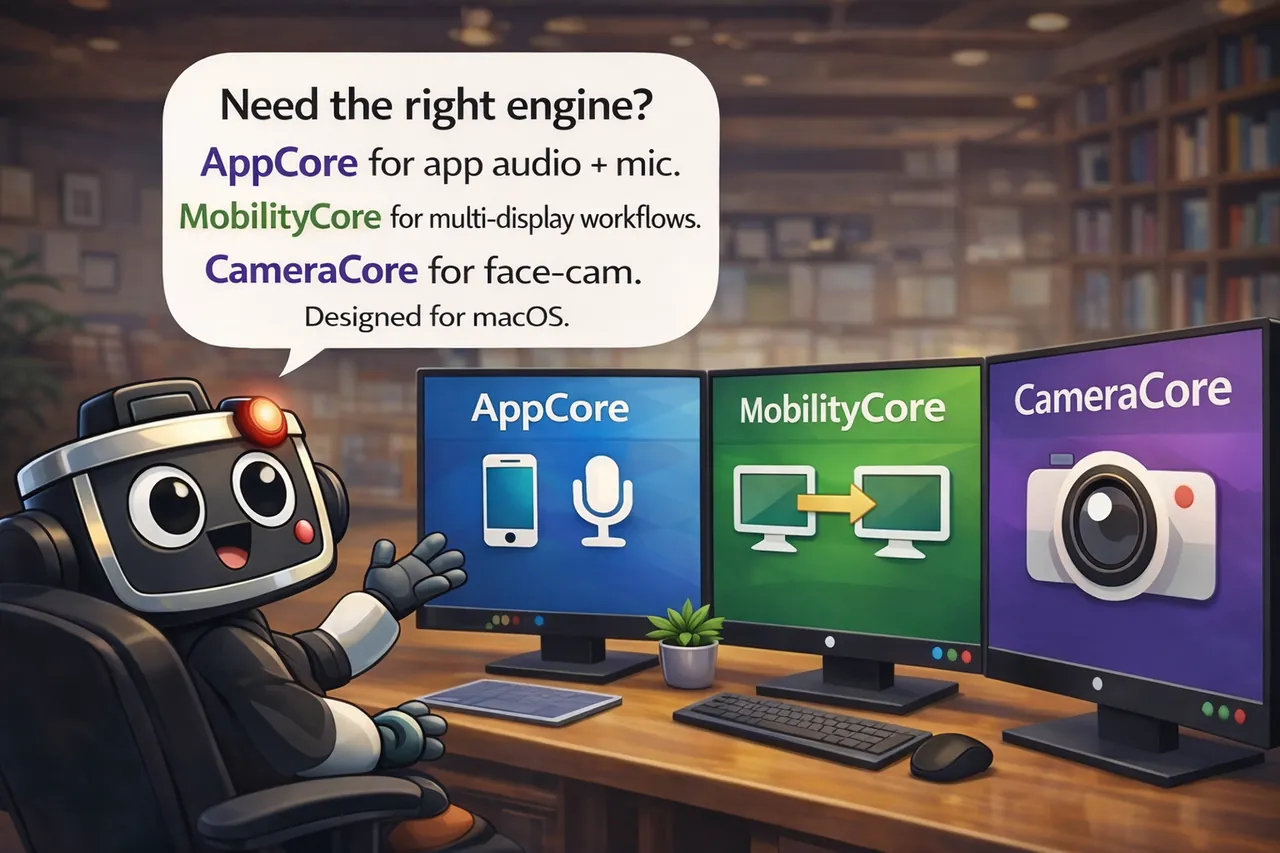
AppCore
App audio + microphone capture for tutorials and gameplay
MobilityCore
Multi-display workflows with cursor-following technology
CameraCore
Face-cam only recording for vlogs and direct-to-camera content
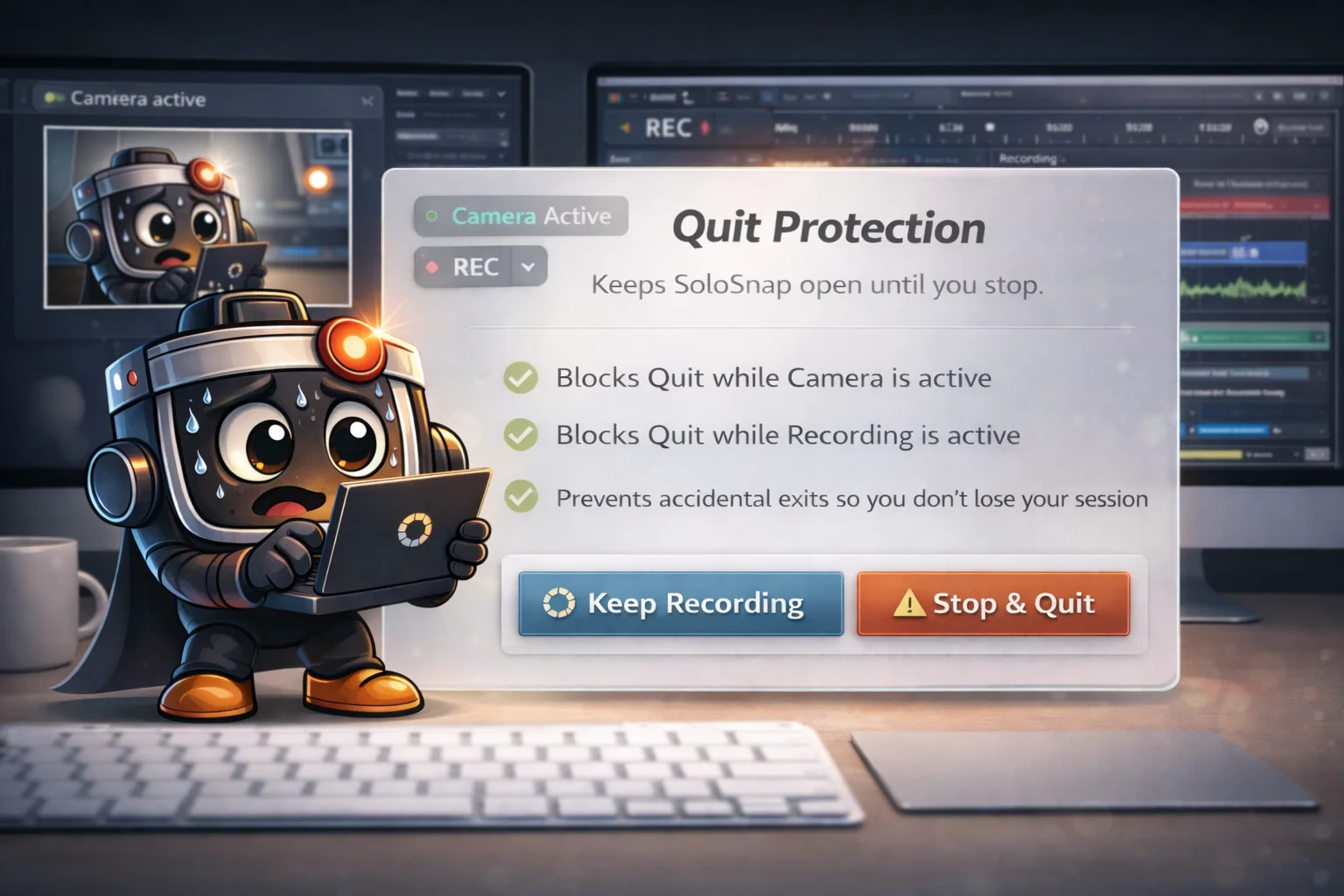
Quit Protection
Never lose a recording to an accidental quit. SoloSnap's Quit Protection keeps the app running until you're ready to stop.
- Blocks Cmd+Q while camera or recording is active
- Prevents accidental exits during critical states
- Enabled by default, toggle anytime in Settings