

Hide sensitive details in any image.
Hide sensitive details with blur, pixelate, solid fill, Whiteout Area, pattern fill, brush, and spray redactions. Export a flattened PNG copy with redactions permanently applied.



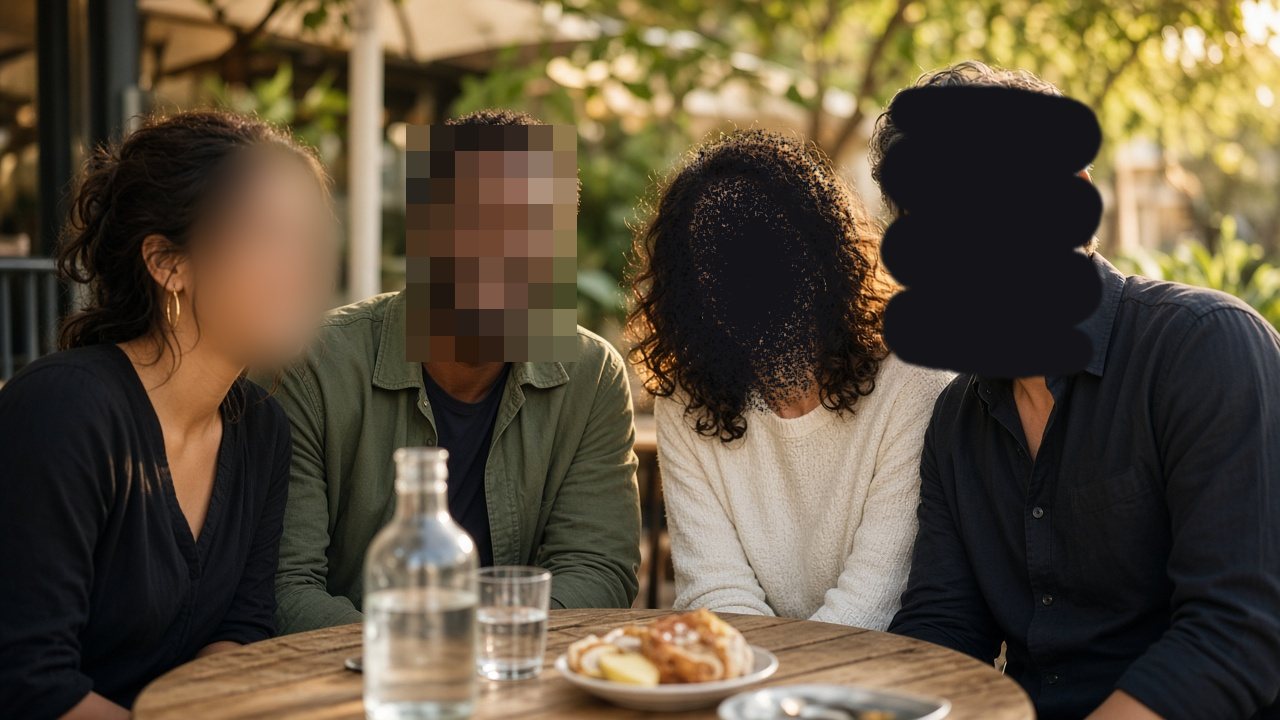
Illustration with fictional people, not an app screenshot
Seven ways to redact
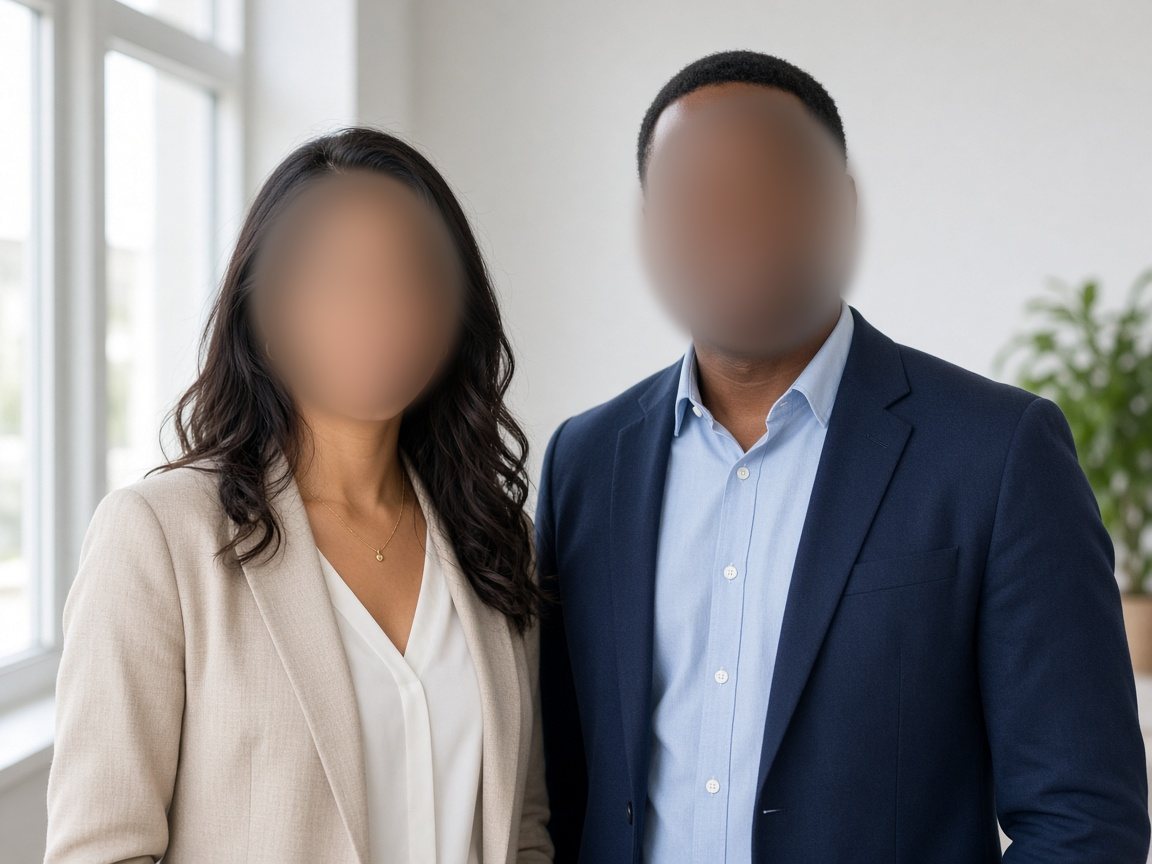
Blur 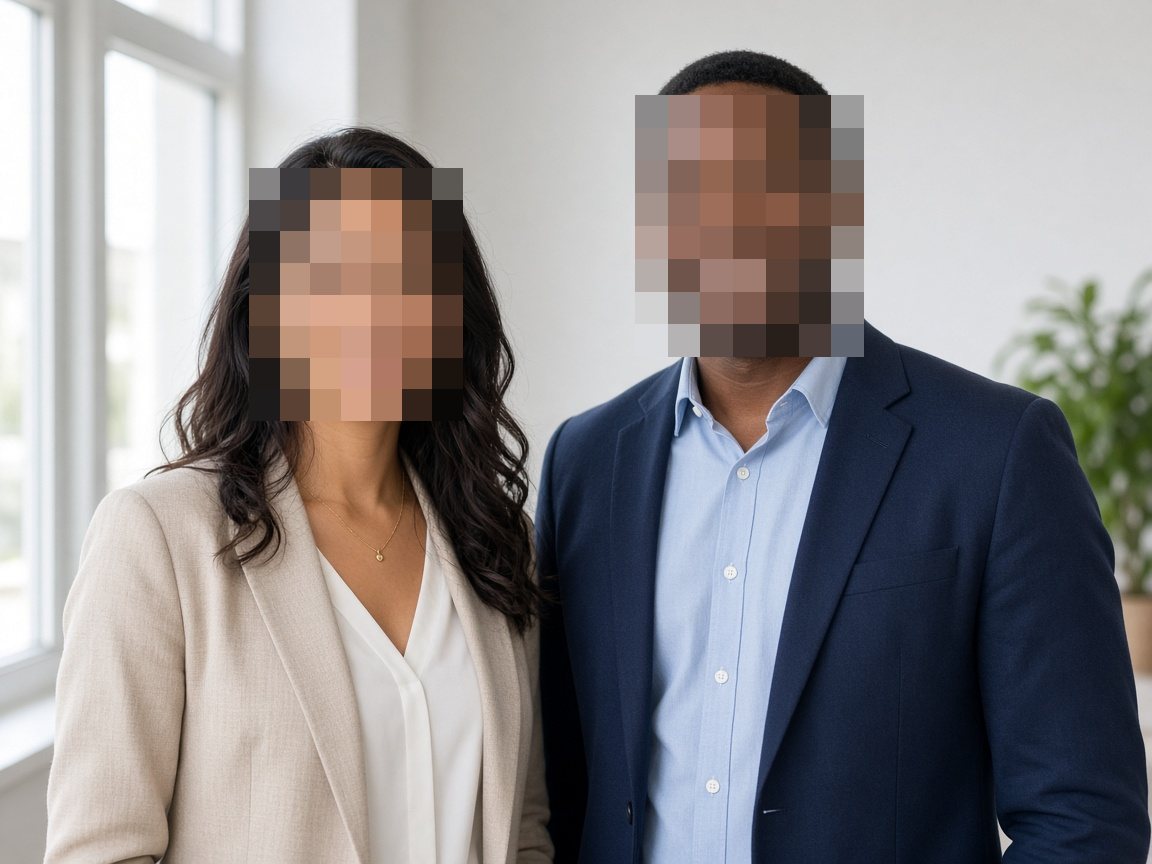
Pixelate 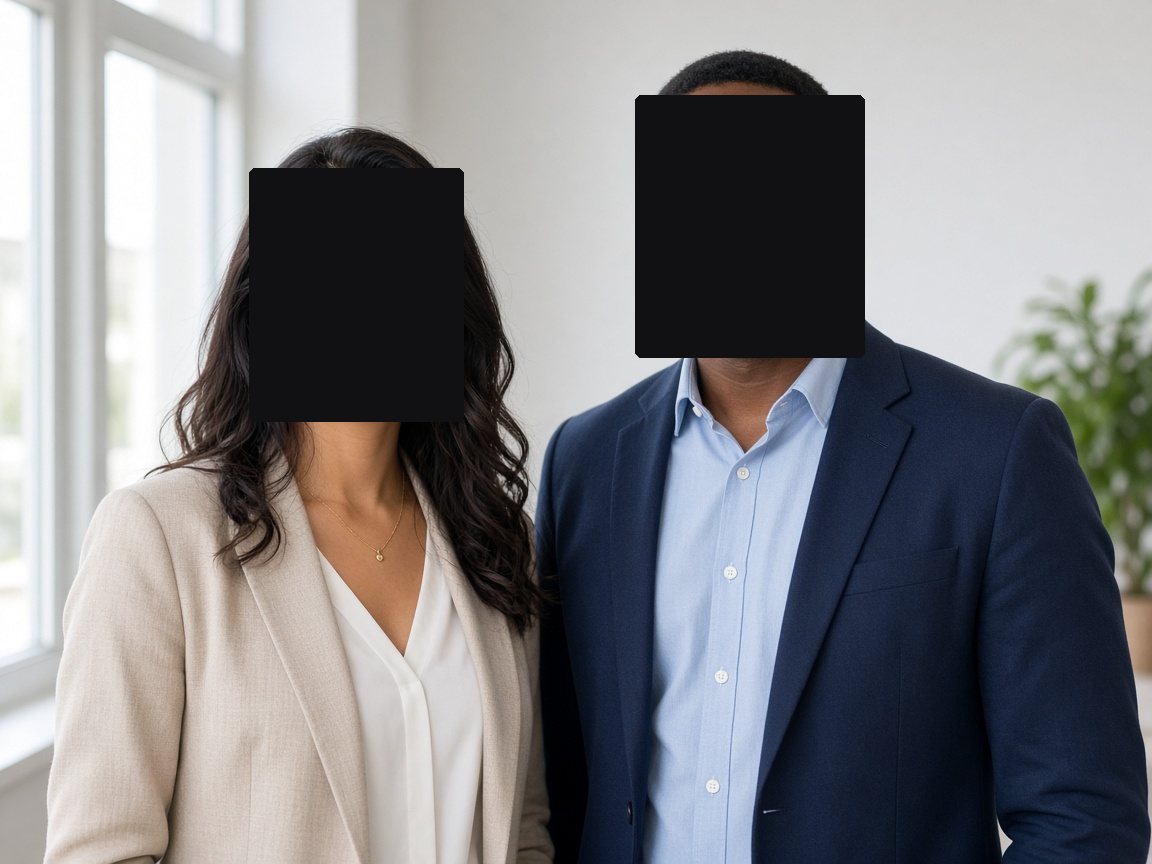
Solid Fill 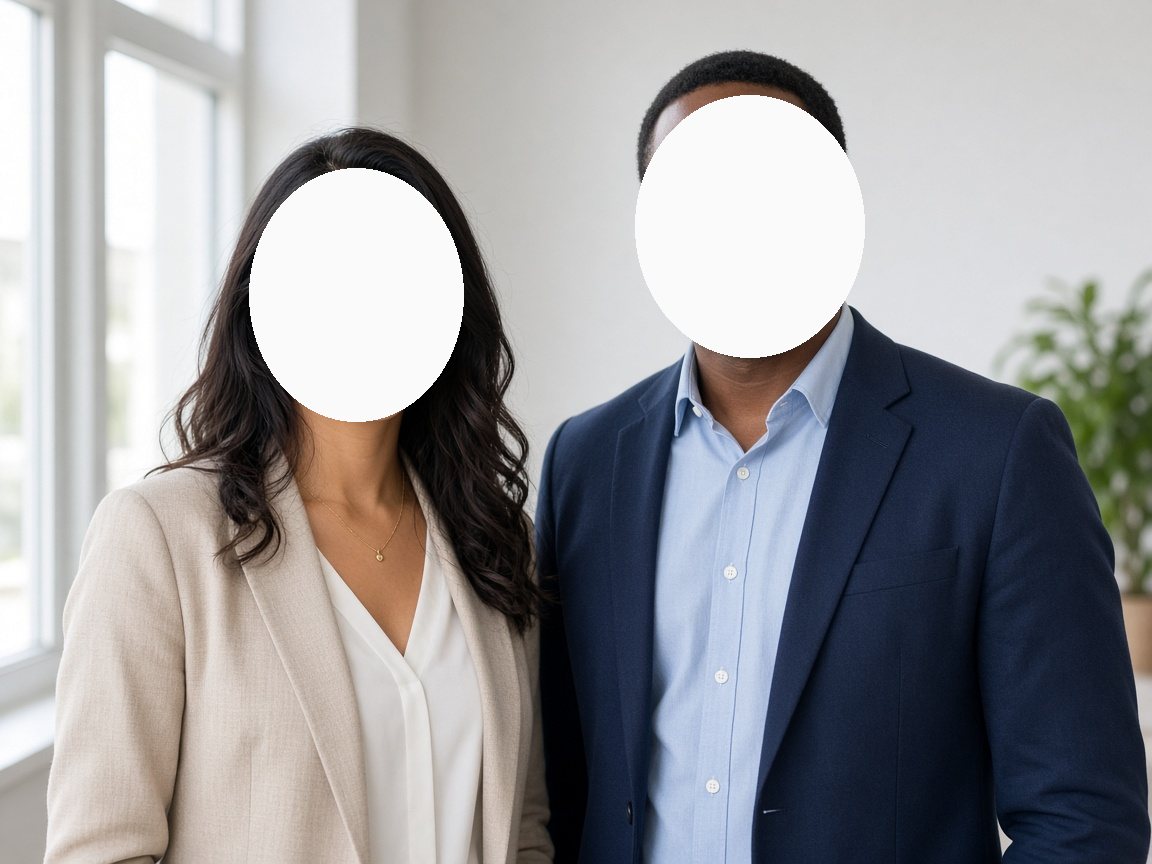
Whiteout Area 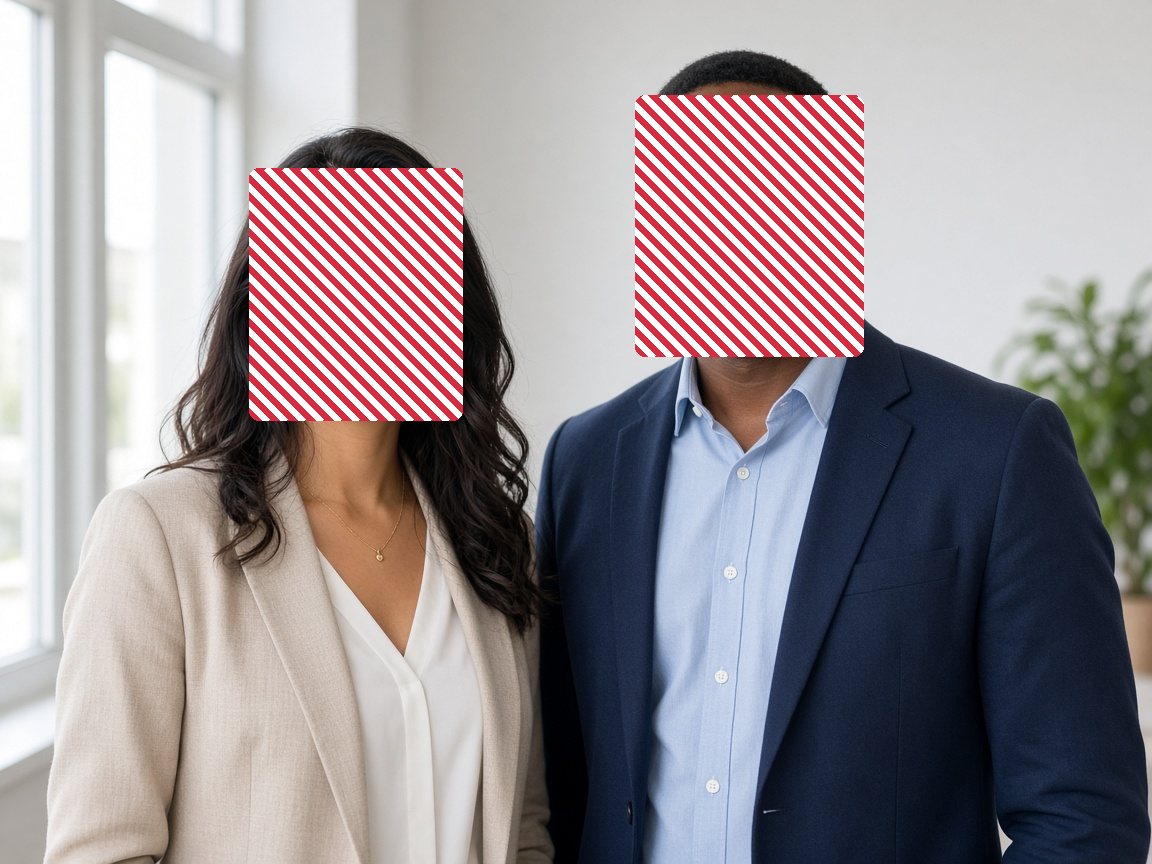
Pattern Fill 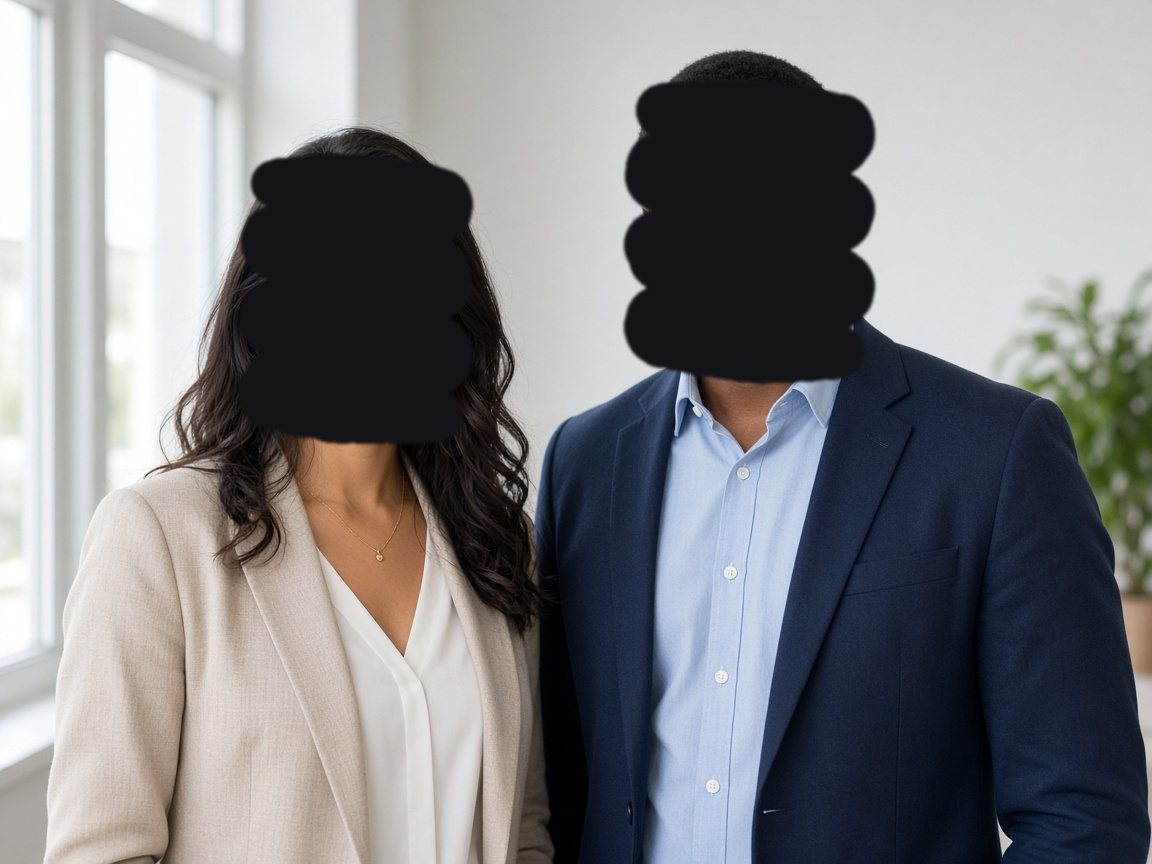
Brush 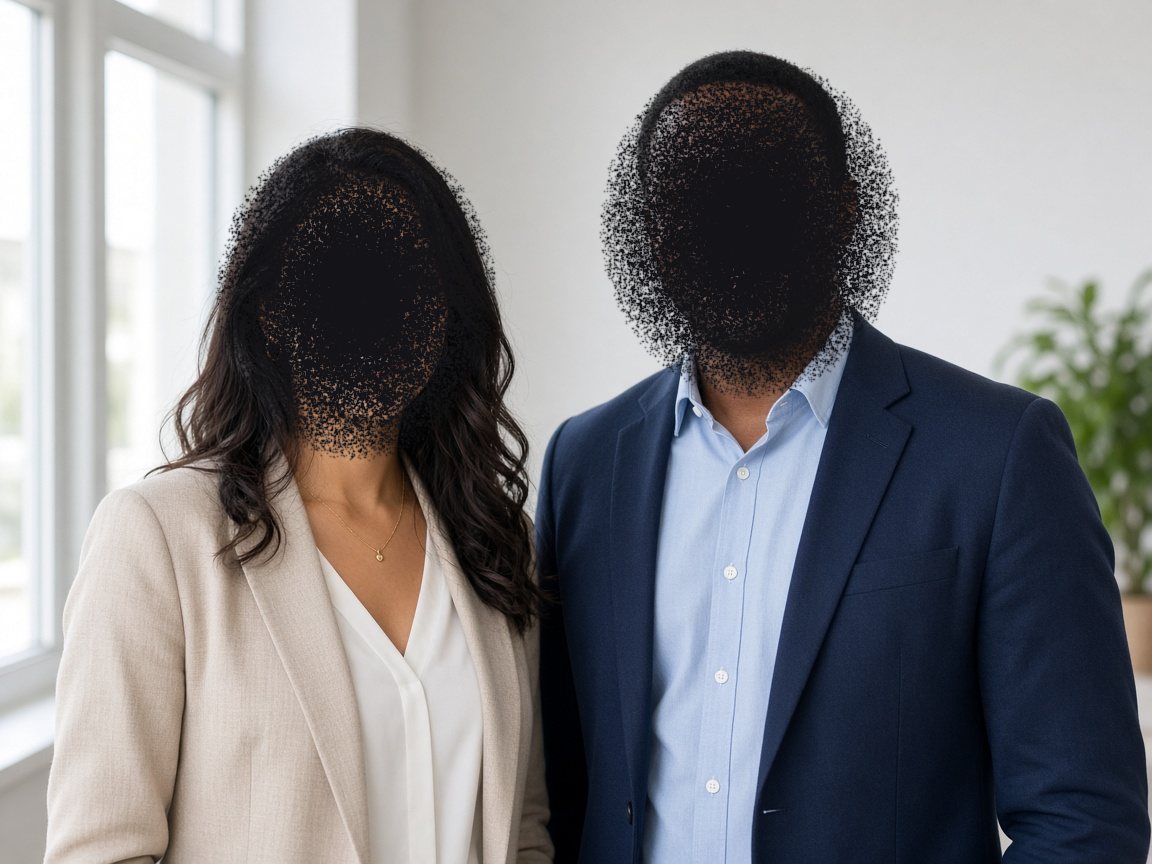
Spray
Illustrations with fictional people, not app screenshots
Open it your way
Choose a file, drop an image onto the app, or paste from the clipboard.
Permanent by design
Exports a flattened PNG copy, so redactions can’t be peeled back.
Stays on your Mac
Images are processed locally. Exports are written only where you choose to save.
Private by default. Not by setting.
Redact Pro doesn’t collect your data or track you. Your images stay on your Mac.
- Data not collected
- No tracking
- Nothing leaves your Mac
- macOS App Sandbox
Questions or need help?
Send us a note and we’ll get back to you.